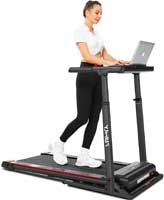
Clip-on accessories are the easiest treadmill desk upgrades. They save space. They reduce clutter. They make walking and working feel smoother.
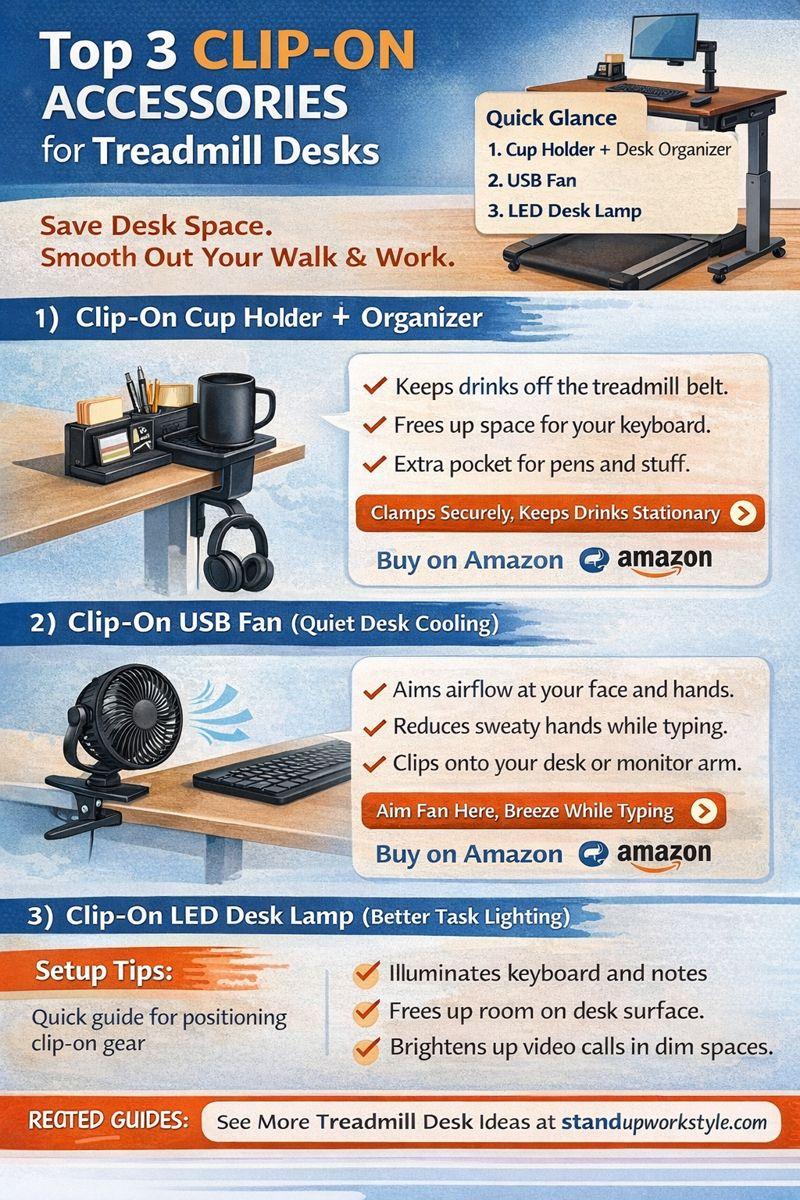
Below are three clip-on picks that solve the most common treadmill desk annoyances: spills, heat and poor lighting.
Quick Picks at a Glance
- Best for spills: Clip-on cup holder + organizer
- Best for comfort: Clip-on USB fan
- Best for eye strain: Clip-on LED desk lamp
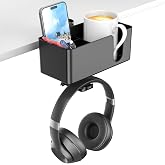
1) Clip-On Cup Holder + Desk Organizer
This is the “why didn’t I do this sooner?” add-on. It keeps drinks off your walking surface, and also frees desk space for your keyboard.
Why it works for treadmill desks:
- Reduces spill risk near your treadmill belt.
- Keeps your desk clear while you walk.
- Adds a spot for pens and small items.

2) Clip-On USB Fan (Quiet Desk Cooling)
Walking creates heat, and even slow walking does it. Thus, a clip-on fan keeps you comfortable without blasting the whole room.
Why it works for treadmill desks:
- Aim airflow at your face and hands.
- Helps reduce sweaty palms while typing.
- Clips to your desk or monitor arm.
3) Clip-On LED Desk Lamp (Better Task Lighting)

Treadmill desks often end up in corners. Lighting is usually “fine.” Then your eyes feel it by 3 PM.
Why it works for treadmill desks:
- Lights your keyboard and notes clearly.
- Helps with video calls in dim rooms.
- Frees desk space versus base lamps.
Setup Tips for Clip-On Gear
- Clamp items on the side of your dominant hand.
- Keep cords away from the treadmill belt.
- Leave elbow room for relaxed typing.
- Re-check clamp tightness once per week.
Related Treadmill Desk Guides:
People Also Ask
What clip-on accessories help most on a treadmill desk?
The most helpful clip-on accessories solve common walking desk problems. Spills, heat, and poor lighting cause most distractions.
1. Clip-on cup holders keep drinks off the treadmill belt. Plus, they reduce spill risk while walking. They also free desk space for typing.
2. A clip-on fan improves comfort during longer sessions. Even slow walking raises body temperature. In addition, targeted airflow keeps hands dry and focus steady.
3. A clip-on lamp reduces eye strain. For example, many treadmill desks sit in dim corners. Plus, better lighting improves focus and video call quality.
Where should I clamp accessories on a treadmill desk?
Clamp accessories on the outer edges of the desk. Side placement keeps the center clear. Leave the center open for your keyboard and mouse. This prevents cramped wrist angles while walking.
Avoid clamping near your elbows, because that area needs freedom for natural arm movement. If possible, clamp heavier items toward the rear corners, since this improves balance and reduces vibration.
Will clip-on items wobble while I walk?
Most clip-on accessories stay stable when tightened correctly. Wobble usually comes from loose clamps. Therefore, after installation, walk for a few minutes. Then, retighten the clamp if needed.
Re-check stability after the first full workday. Wood desks may compress slightly under pressure. If wobble persists, try a rubber clamp pad (many accessories include one).
Do clip-on accessories fit thick desktops?
Clip-on accessories typically fit standard desk thicknesses; that range is usually 1 to 2 inches. However, some treadmill desks are thicker than normal. So, always check the listed clamp range before buying.
If your desk has a beveled edge, measure carefully since bevels reduce usable clamp depth. When in doubt, choose accessories with wide-opening clamps because they offer more flexibility.
Are clip-on cup holders safe near a treadmill?
Yes, when installed correctly, they are safe. However, proper placement matters. Clamp the holder away from the belt opening. For example, side or rear placement works best.
Avoid placing drinks above electronics, and use lids whenever possible. A secure clamp is essential. So, re-check tightness regularly.
What is the best clip-on accessory for productivity?
A clip-on lamp offers the biggest productivity boost, because good lighting reduces eye fatigue. In addition, clear visibility improves typing accuracy. It also helps during reading and note-taking.
A clip-on fan supports productivity during longer sessions, since comfort helps maintain focus over time. Many people use both together. Lighting supports focus, and cooling supports endurance.
Should I use battery or USB clip-on gear?
USB-powered accessories work best for fixed desk setups, because they provide steady power. No batteries to replace. USB gear integrates well with desk power strips and is more reliable for daily use.
Battery-powered accessories suit flexible setups. They work well for rolling desks or shared spaces. Choose based on how often you move your desk. Fixed desk equals USB, where a mobile desk equals battery.
Reputable Resources for More Information
- American College of Sports Medicine: Sit Less, Move More
- CDC: Prompts to Disrupt Sitting Time
- Mayo Clinic: Sitting Risks
- Harvard Health: Walking Breaks vs Sitting
Conclusion
Clip-on upgrades are fast wins. Start with a cup holder. Then, add a fan if you overheat. Finally, combine a lamp if your eyes get tired. Small changes can make your treadmill desk easier to use every day.