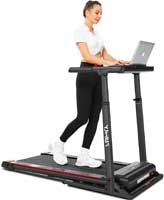
Picking the right under-desk treadmill speed is the difference between “easy movement” and “why can’t I type?” The goal is steady walking that feels almost automatic. Your pace should support focus, not steal it.
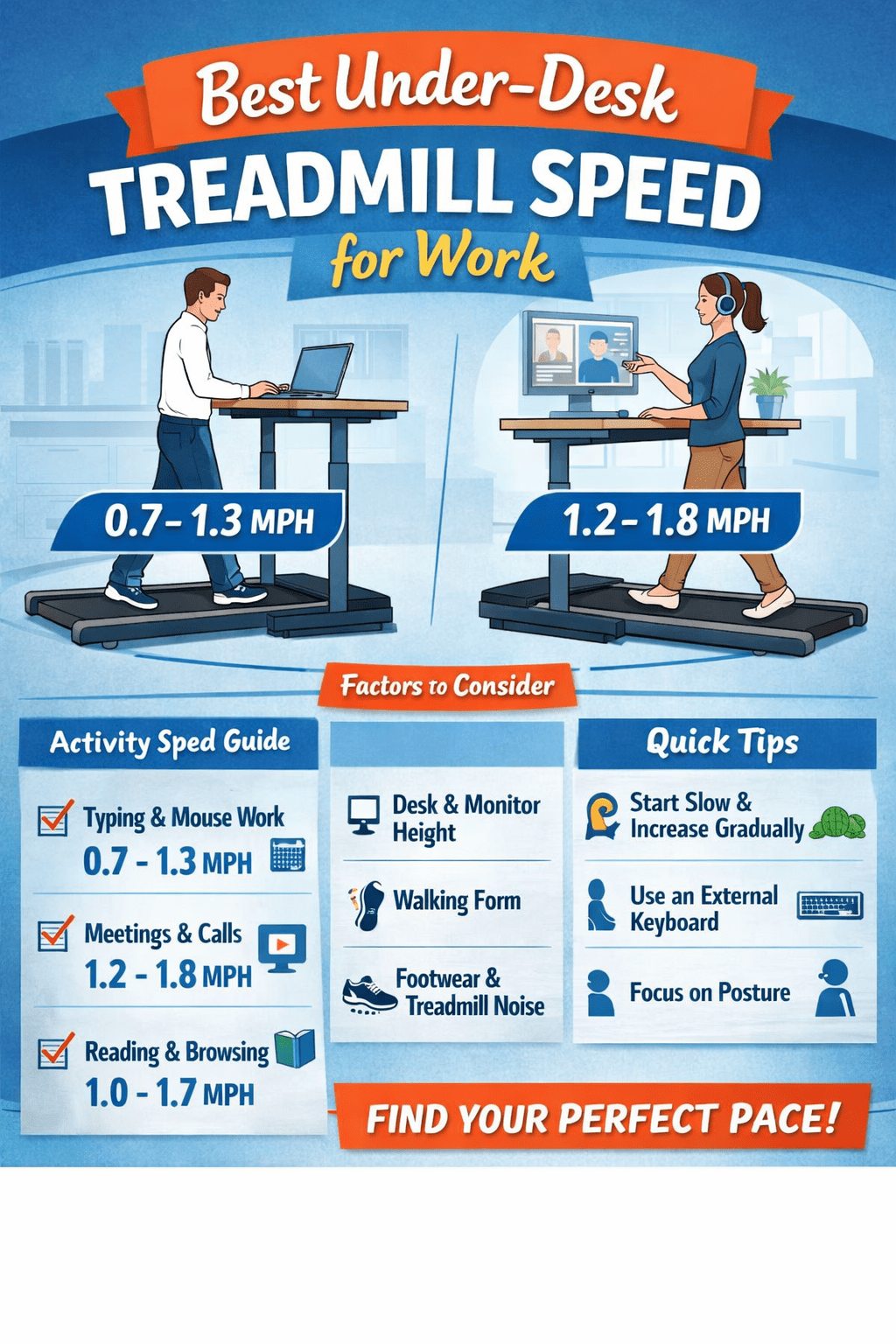
Quick answer: Most people work best at 0.7–1.3 mph for typing and mouse work. For meetings and reading, 1.0–1.8 mph is often comfortable. Start slow and adjust in small steps.
Why Walking Speed Matters For Work
Walking changes your body position. It also changes your arm stability. Faster walking increases bounce and hand movement. That can reduce typing accuracy and mouse control.
The best speed is task-based. Your “typing pace” is not your “meeting pace.” Your brain also adapts over time. Most people get smoother after one to two weeks.
Best Speeds By Task (Practical Ranges)
Use these ranges as a starting point. Adjust based on comfort and accuracy.
- Typing, spreadsheets, mouse precision: 0.7–1.3 mph
- Email, light admin, browsing: 1.0–1.6 mph
- Online meetings, calls, listening: 1.2–1.8 mph
- Reading, reviewing documents: 1.0–1.7 mph
- Creative work, brainstorming: 1.2–2.0 mph
Tip: If your shoulders tense up, slow down. If your feet start scuffing, slow down. If you miss keys, slow down.
How To Find Your Perfect Speed
This takes five minutes. It prevents weeks of frustration.
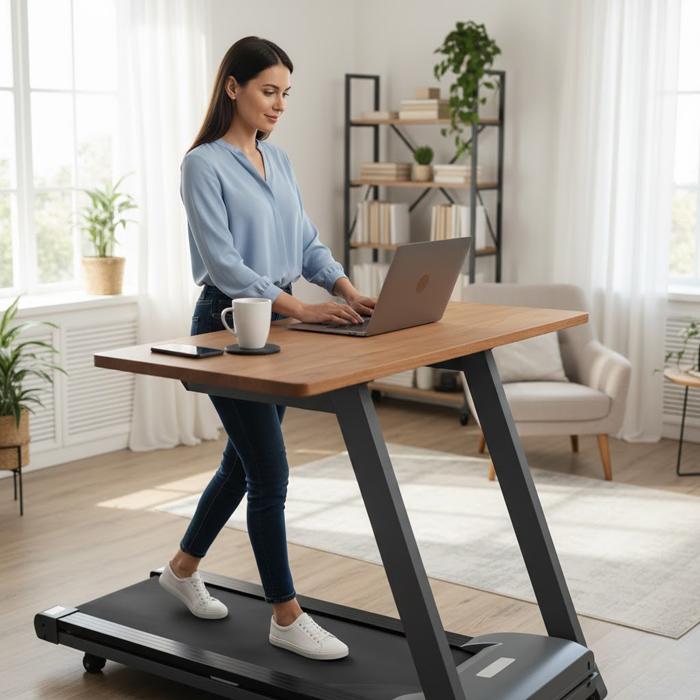
- Start at 0.7 mph. Walk for two minutes.
- Type a short email or paragraph.
- Increase by 0.1 mph. Repeat for two minutes.
- Stop when accuracy drops or tension rises.
- Back down one step. That is your work speed.
Save two speeds in your head. Keep one for typing. Keep one for meetings.
Factors That Change Your Ideal Speed
Your best walking speed depends on your setup. It also depends on your body. These factors matter most.
1) Desk And Monitor Height
If your desk is too high, your shoulders lift. That reduces control. If your screen is too low, your neck strains. That reduces focus.
Keep elbows near a right angle. Keep wrists neutral. Keep the top of the screen near eye level.
2) Walking Form And Stride
Long strides increase bounce. Short strides feel steadier. Try landing softly. Keep steps quiet. Your hands will steady fast.
3) Treadmill Stability And Noise
Some walking pads feel smooth at 1.5 mph. Others feel shaky past 1.2 mph. Belt tracking also matters. A drifting belt makes you tense.
If your treadmill squeaks, fix it. Noise increases stress. Stress reduces focus.
4) Footwear And Cushioning
Soft shoes can feel unstable. Barefoot can cause fatigue. Many people do best with light trainers. Use a thin sole. It improves control.
5) Task Complexity
Deep thinking may feel harder while walking. That is normal. Use slower speeds for complex tasks. Save faster speeds for listening tasks.
6) Fatigue And Time Of Day
Your speed may drop later in the day. Your form may get sloppy. Lower the speed when you feel tired. Better walking beats faster walking.
Best Speed Tips For Common Work Situations
Typing And Mouse Work
- Stay in the 0.7–1.3 mph zone.
- Use an external keyboard and mouse.
- Keep forearms supported if possible.
Online Meetings And Calls
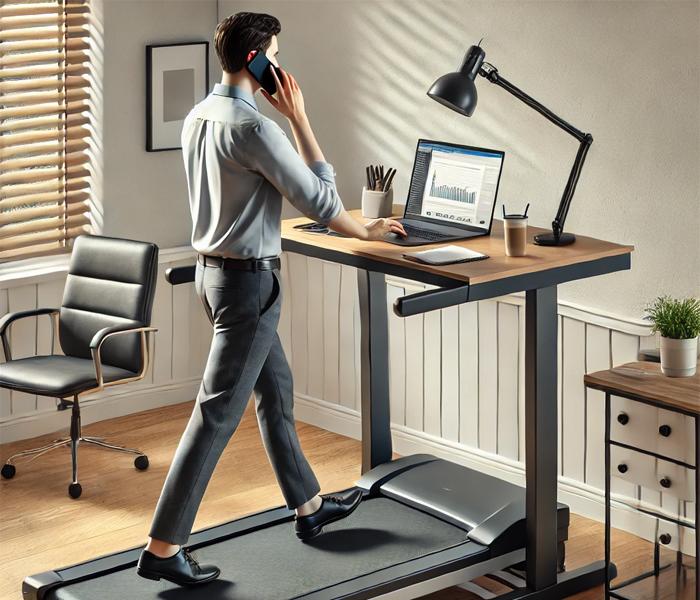
- Try 1.2–1.8 mph while listening.
- Slow down when you speak or share screens.
- Use a headset to reduce neck tension.
Reading And Research
- Use 1.0–1.7 mph for steady focus.
- Increase font size to reduce eye strain.
- Keep scrolling slow to reduce dizziness.
People Also Ask (Voice Search Answers)
What is a good walking speed for a treadmill desk?
Most people do best between 0.7 and 1.3 mph for typing. Meetings can be slightly faster.
How fast can you walk and still type?
Many people can type well up to about 1.3 mph. Some can go faster with practice.
Is it better to walk slower or faster while working?
Slower is usually better for accuracy. Faster can work for calls and listening tasks.
Reputable Resources For More Information
- CDC: Guidance on reducing sedentary time and adding movement breaks.
- NIOSH: Workplace ergonomics principles for desk height and posture.
- Harvard Health Publishing: Walking benefits and safe activity progression.
- ACSM: General exercise guidelines and intensity concepts.
Frequently Asked Questions
How long should I walk on an under-desk treadmill?
Start with 15–30 minutes. Add time as your feet and focus adapt.
What speed is best for Zoom meetings?
Try 1.2–1.8 mph while listening. Slow down when you speak.
Why does my typing get worse when I walk?
Walking adds movement to your arms and shoulders. Slow down and shorten your stride.
Should I hold the desk while walking?
Light contact is fine at first. Over time, aim for relaxed arms and steady posture.
Do I need special shoes for a walking pad?
No. Many people prefer light trainers with a stable sole.
Conclusion
The best under-desk treadmill speed supports your work. It should feel smooth and steady. Start around 0.7 mph and build slowly. Use slower speeds for typing. Use faster speeds for meetings and listening. With a good setup, walking and working can fit together well.