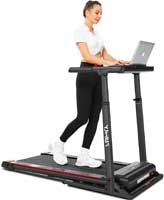
If you have never used a treadmill desk, skepticism is normal. Typing while walking sounds distracting, taking calls sounds awkward, and focusing sounds impossible.
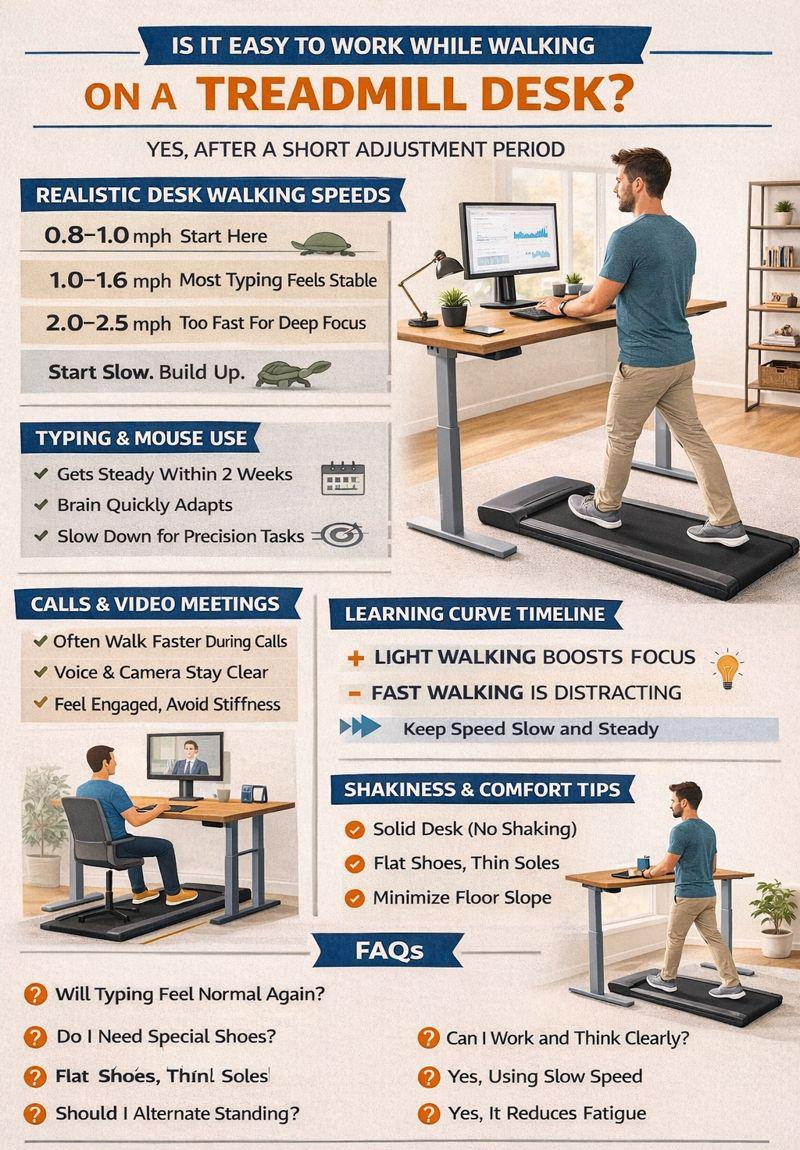
After using treadmill desks daily, I can say this clearly: Yes, it is easy to work while walking, but only after a short adjustment period.
Let’s talk honestly about what works, what doesn’t, and how long it takes to multitask while walking.
Can You Type While Walking?
Yes, and most people adapt faster than expected. The key is walking slowly.
At speeds between 1.0 and 1.6 mph, typing feels stable. Your hands float naturally over the keyboard. Your upper body stays mostly still.
At first, accuracy drops slightly. That usually lasts a few days. Your brain quickly learns to separate leg movement from hand control. Most users report normal typing speed within one to two weeks.
What About Mouse Use And Precision Tasks?
Mouse control is easier than people expect. Small, deliberate movements work best.
Tasks that work well include:
- Writing and editing
- Email and messaging
- Web browsing
- Data review
Highly precise graphic design can feel harder. For those tasks, slowing down helps. Some people pause walking briefly when precision matters. That flexibility is the secret advantage.
Can You Take Calls And Video Meetings?
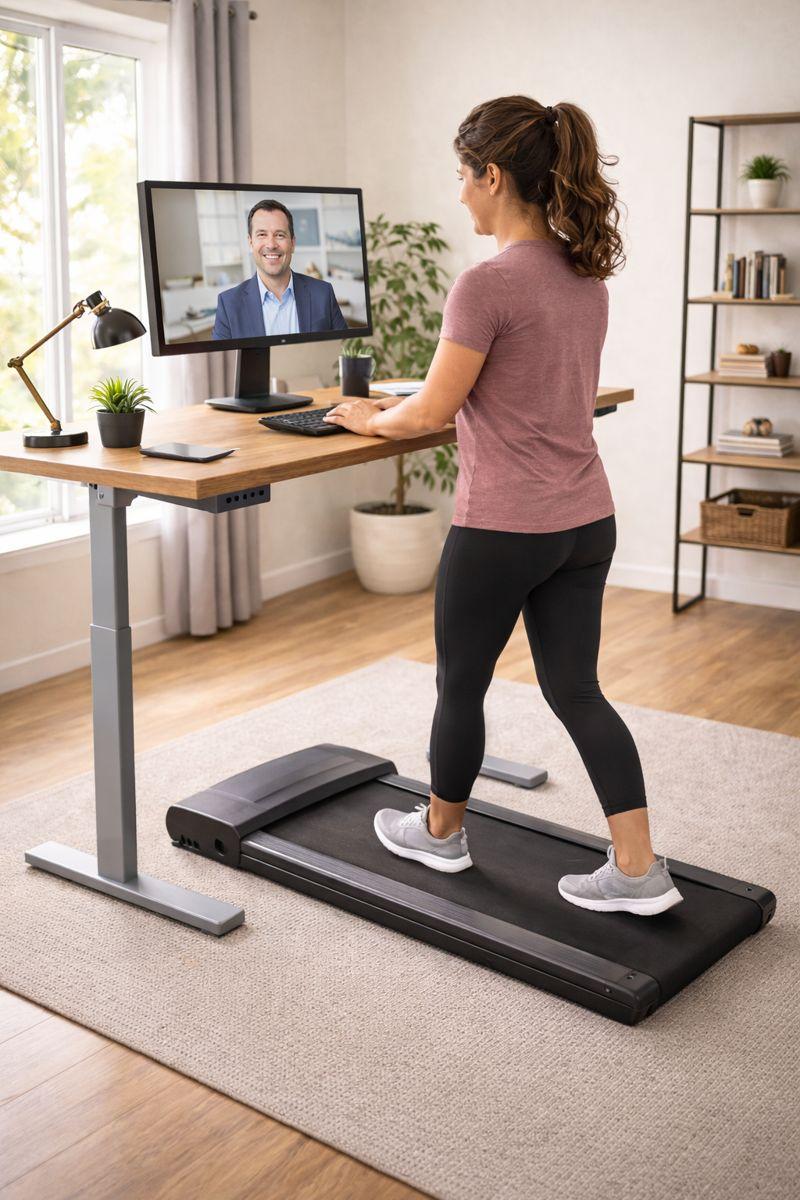
Yes, calls are one of the easiest activities. In fact, many people walk faster during calls.
Your voice stays steady at walking speeds. Microphones do not pick up foot movement. Video calls look normal at slow speeds.
Standing posture often improves presence. You appear more engaged and alert on screen. For long meetings, walking prevents stiffness and fatigue.
Does Walking Affect Focus And Concentration?
Light walking usually improves focus, which surprises many first-time users.
Movement increases blood flow, which actually helps alertness and mental clarity. In turn, it reduces afternoon energy crashes.
However, faster walking can hurt concentration. Once speed feels noticeable, focus drops. That is why slow movement matters. In other words, think of walking as background motion, not exercise.
How Shaky Does It Feel?
Very little, when set up correctly. Plus, modern treadmill desks are designed for stability.
Low-profile decks reduce vibration, and smooth motors prevent sudden jolts. A solid desk absorbs upper-body movement. If you feel shaking, one of these is usually wrong:
- Speed is too high
- Desk is unstable
- Floor is uneven
Most issues disappear with small adjustments.
What Is The Learning Curve Like?
The learning curve is short and predictable.
Typical adjustment timeline:
- Days 1–3: awareness of movement
- Days 4–7: improving coordination
- Weeks 2–3: walking feels automatic
By week three, most people forget they are walking. In other words, it becomes background behavior.
Some people adapt in a single day, while others take a couple of weeks. Ini general, both are normal.
How To Make The Transition Easier
Start slower than you think – that advice matters more than anything else.
Helpful tips:
- Begin at 0.8–1.0 mph
- Use flat shoes with thin soles
- Keep desk height properly adjusted
- Walk during low-pressure tasks first
You do not need to walk all day. Actually, most users alternate walking and standing to keep fatigue low.
Frequently Asked Questions
Is Working While Walking Distracting At First?
Yes, slightly. The feeling fades within a few days for most people.
Can You Do Deep Focus Work While Walking?
Yes, at slow speeds. In fact, many people prefer walking for writing and reading.
Will Walking Hurt Typing Speed Long-Term?
No, typing speed usually returns to normal quickly.
Is It Better To Walk Or Stand While Working?
Walking adds movement benefits. On the other hand, Standing is better for short breaks.
Do You Need Special Shoes?
No, Comfortable walking shoes work best. Also, avoid thick or unstable soles.
Conclusion
Working while walking is easier than it sounds. In fact, typing, calls, and focus are all realistic. In addition, the learning curve is short and manageable.
Slow speeds make everything work. Then, once adapted, walking feels natural. Actually, most users never want to go back to sitting.
Reputable Resources For More Information
- American Council on Exercise (ACE):
https://www.acefitness.org - Mayo Clinic – Sitting And Movement Research:
https://www.mayoclinic.org - Harvard Health Publishing – Walking Benefits:
https://www.health.harvard.edu - OSHA – Office Ergonomics Guidance:
https://www.osha.gov/ergonomics